Donate a Laptop
The equipment side of Online Education — Pillar Three of Daakye Kɛseɛ, not a separate program. A laptop alone doesn't graduate a student: we pair every device with digital-literacy support, tuition assistance, and one-on-one mentorship, so the gift becomes a completed education and a career.
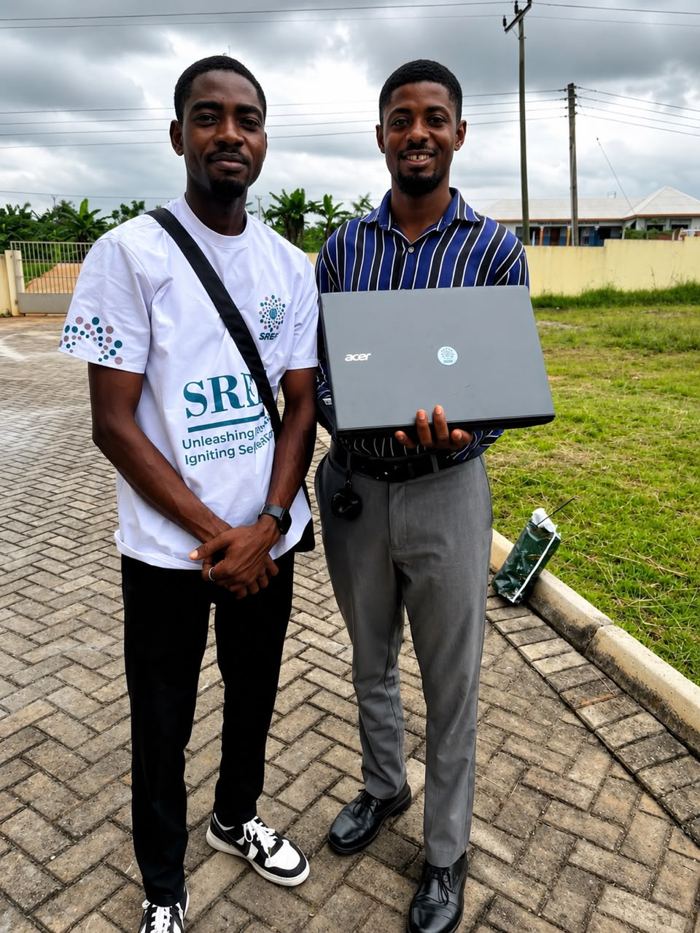
Give a laptop
Equip a student with everything they need to finish
Your gift — new, refurbished, or the funds to provide one — equips a student with internet access, digital-literacy support, and everything needed to complete BYU Pathway Worldwide.
- $300 funds one laptop for a student in Ghana or Tanzania
- Every laptop comes with mentoring and tuition support
- Ship a device, or fund one — we handle delivery and setup
Know someone with a laptop to spare?
Offices, schools and families refresh their technology every year, and most of those retired laptops end up in a drawer instead of a classroom. Send this page to someone who might have one to give — every referral helps clear the waiting list faster.
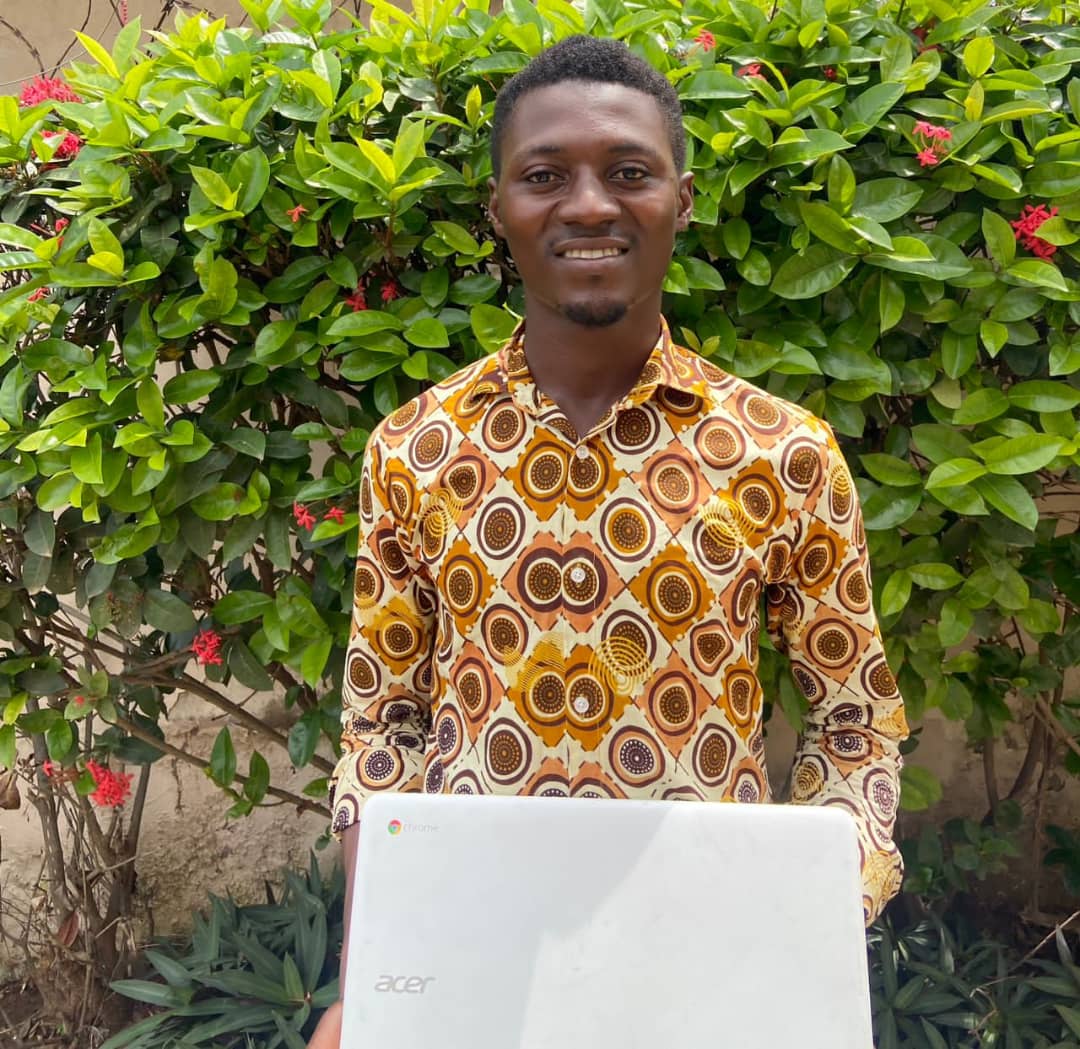
Apply
Request a laptop for your studies
If you are a prospective or enrolled student in Ghana or Tanzania who lacks a device to continue your education, SREF may be able to help through our Laptop Program.
- Open to BYU Pathway Worldwide students and prospective students
- Includes a mentorship interview and a documented plan
- Priority given to those with a demonstrated financial need
Our impact, in numbers
We report on more than boxes shipped
What a laptop actually produces in a student's life — retention, completion and self-reliance — not only how many units left our hands.
Laptops received to date
Donated by individuals, offices and giving campaigns since the program launched.
Laptops refurbished & placed
Data-wiped, tested, and delivered to a BYU Pathway student in Ghana.
Students waiting for a device
Accepted into BYU Pathway but not yet matched with a laptop.
3-month retention rate
Share of equipped students still actively enrolled three months after placement.
Credentials completed
BYU Pathway credentials completed by students equipped through this program.
Figures maintained by SREF’s Program Coordination & M&E team. Last updated: September 2026.
What we accept
Will your laptop work for a student?
One thing matters above all: a laptop that can reliably run Word and Excel for online coursework. New or gently used, both welcome.
- MacBook Air
- MacBook Pro
- Dell Inspiron
- Acer Aspire
- HP Pavilion / EliteBook
- Lenovo ThinkPad
We’re glad to take it if…
- It powers on, holds a charge, and its screen and keyboard both work.
- It can run Microsoft Word and Excel at a usable speed.
- It’s a Windows or macOS laptop — new or several years old.
- Its charger is included, though we can still accept it without one.
Not a fit right now
- Chromebooks, or devices that cannot run desktop Office apps offline.
- Laptops with a cracked screen or a battery that won’t hold charge.
- Tablets, phones, and desktop towers.
Not sure if yours qualifies? Email a quick description to info@help4selfreliance.org and we’ll check for you.
Your data, fully protected
Nothing from a laptop’s previous life reaches its next user
A used laptop can still carry a working life of information — client records, financial files, saved passwords, even protected health information. This is a written procedure every device follows, without exception.
A note for healthcare, legal and office donors
If your organization is retiring laptops that were used to access electronic health records or other information protected under HIPAA, we treat that donation with the same rigour a compliance officer would expect from a certified IT asset-disposition process. Our storage sanitization follows practices consistent with the U.S. NIST SP 800-88 media-sanitization guidelines — the benchmark referenced by HIPAA-covered entities and widely recognized internationally — and we’re glad to put a written summary in your compliance file before you ship a single device.
-
01
Authorization & intake
Before any file is touched, we obtain written authorization from the donor to erase all data, accounts and applications, and log the laptop's make, model, serial number and condition.
-
02
Isolation
The laptop is disconnected from all networks immediately so nothing on it can sync, back up or transmit elsewhere while it is in our custody. It is never connected to a staff member's personal device, USB drive or cloud account.
-
03
Certified data sanitization
Internal storage is wiped using a method appropriate to the drive type (SSD/NVMe or HDD), consistent with NIST SP 800-88 media-sanitization guidance. Deleting files, emptying the Recycle Bin, or a plain factory reset is never treated as sufficient on its own.
-
04
Physical destruction option for highly sensitive devices
For laptops that stored particularly sensitive records — medical, financial or legal — or where sanitization can't be independently verified, we offer physical destruction of the storage drive as an added safeguard, with the remaining components responsibly recycled. Donors who prefer to remove and destroy their own drive before shipping are always welcome to; we can still refurbish and place the rest of the laptop.
-
05
Clean operating system install
Once storage is sanitized, we perform a fresh installation of the operating system from trusted, verified media. The previous user's account, desktop, files and settings are never carried forward.
-
06
Verification
Before a laptop is approved for placement, we confirm that no prior user accounts, documents, browser profiles, saved passwords, cloud logins or email access remain on the device.
-
07
Documentation & sign-off
Every device receives a short record: date, sanitization method used, and the staff member who verified the result. For particularly sensitive donations, we can arrange an independent second check and provide a signed certificate of data destruction for your own records.
-
08
Placement
Only after every step above is complete does a laptop go to a student — with a clean system, no trace of its previous owner, and a documented paper trail behind it.
This protocol applies to every laptop we receive, whether it comes from an individual, a school, or an office. If your IT or compliance team would like to review the process before you donate — or you’d like a written summary for your files — reach out to our team and we’ll walk you through it.
What it costs
The true cost of one student
Published in full, per student, per year — so a donor can see exactly what a gift covers and what the following years still need.
Laptop (avg. $300), internet ($21/month), school supplies ($19), debit card setup ($5), transportation ($15).
Ongoing internet, supplies and transportation once the device is in hand.
One student, start to credential — the figure an impact-based gift underwrites.
Prefer to sponsor a whole journey rather than a single year? Our donor relations team will set that up with you.
Ways to giveQuestions
Frequently asked questions for laptop donors
What happens to my personal data before the laptop reaches a student?
Every laptop goes through our documented eight-step sanitization protocol — authorization, isolation, certified storage wiping (or physical drive destruction for highly sensitive devices), a clean OS install, verification, and sign-off — before it is ever placed with a student. See "Your Data, Fully Protected" above for the full walkthrough.
My office laptop may contain HIPAA-protected patient data. Is that a problem?
Not at all — this is exactly the kind of donation our protocol is built for. We sanitize storage using practices consistent with NIST SP 800-88 guidance, or, if you'd prefer greater certainty, we can destroy the storage drive outright. We'll provide written confirmation of the method used for your compliance file, and we're happy to speak with your IT or privacy officer before anything ships.
Can I destroy or remove my own hard drive before donating?
Yes. Some of our office donors remove and destroy the hard drive and RAM themselves before donating, which we fully support. Let us know when you ship the laptop, and we'll refurbish and place it with a replacement or compatible drive where possible.
Does my laptop need to be in perfect condition?
No. It needs to power on, hold a charge, and run Microsoft Word and Excel at a usable speed — cosmetic wear is fine. See "Will your laptop work for a student?" above for the full list of what we can and can't take right now.
Will I receive a tax donation receipt?
Yes. Self Reliance Empowerment Foundation (SREF) is a U.S.-registered 501(c)(3) nonprofit (EIN 33-3224010), so your laptop donation may be tax-deductible to the extent allowed by law. We'll send a written acknowledgment describing the device for your records once it's received.
Where do I drop off or ship a laptop?
Devices can be dropped off or shipped to 1860 Jean St, Pocatello, ID 83201. For larger donations or an office pickup, contact us first at info@help4selfreliance.org so we can coordinate logistics.
I'm outside the U.S. — can I still help?
Yes. A gift of about $300 covers the average cost of a laptop for one of our Ghana-based Pathway students, which is often easier than shipping a physical device internationally. You can give directly at help4selfreliance.org/donate.
Can my company or school run a laptop donation drive?
Absolutely — many of our largest donations start this way. Use the "Refer a Donor" panel above to share this page with your IT department or staff, or email us and we'll help set up a collection point and pickup schedule.
How do you decide who receives a laptop?
Laptops are matched to students who have been assessed and accepted into BYU Pathway Worldwide but lack a device to continue their coursework. Devices are placed in waitlist order, paired with basic digital-literacy support, and followed up with academic coaching through graduation.
Logistics
Ways to get a laptop to us
Drop-off / mail
1860 Jean St, Pocatello, ID 83201
Give online instead
Donate a laptop
Offer a device or fund one
Tell us what you would like to give and our team will confirm the next steps, including shipping details if you are sending a device.
- What happens next A member of the SREF team replies within a few working days to confirm specifications and arrange delivery or payment.
- Shipping We handle customs, delivery and setup in Ghana — you do not need to arrange anything internationally.
Request a laptop
Apply to the Laptop Program
Share your situation and study plans. Applications are reviewed alongside a mentorship interview and a documented plan. Applications are currently open to residents of Ghana only.
- Eligibility Prospective or enrolled students in Ghana, with a demonstrated financial need.
- The process Application, then a mentorship interview, then a written plan with milestones before a device is issued.
Pillar three
A device is where it starts, not where it ends
Every laptop is paired with tuition support, digital-literacy training and a mentor who stays engaged until the credential is finished.